Space Algorithms
Getting the options of an algorithm
- Go to https://v4.app.cloudgarden.nl/t
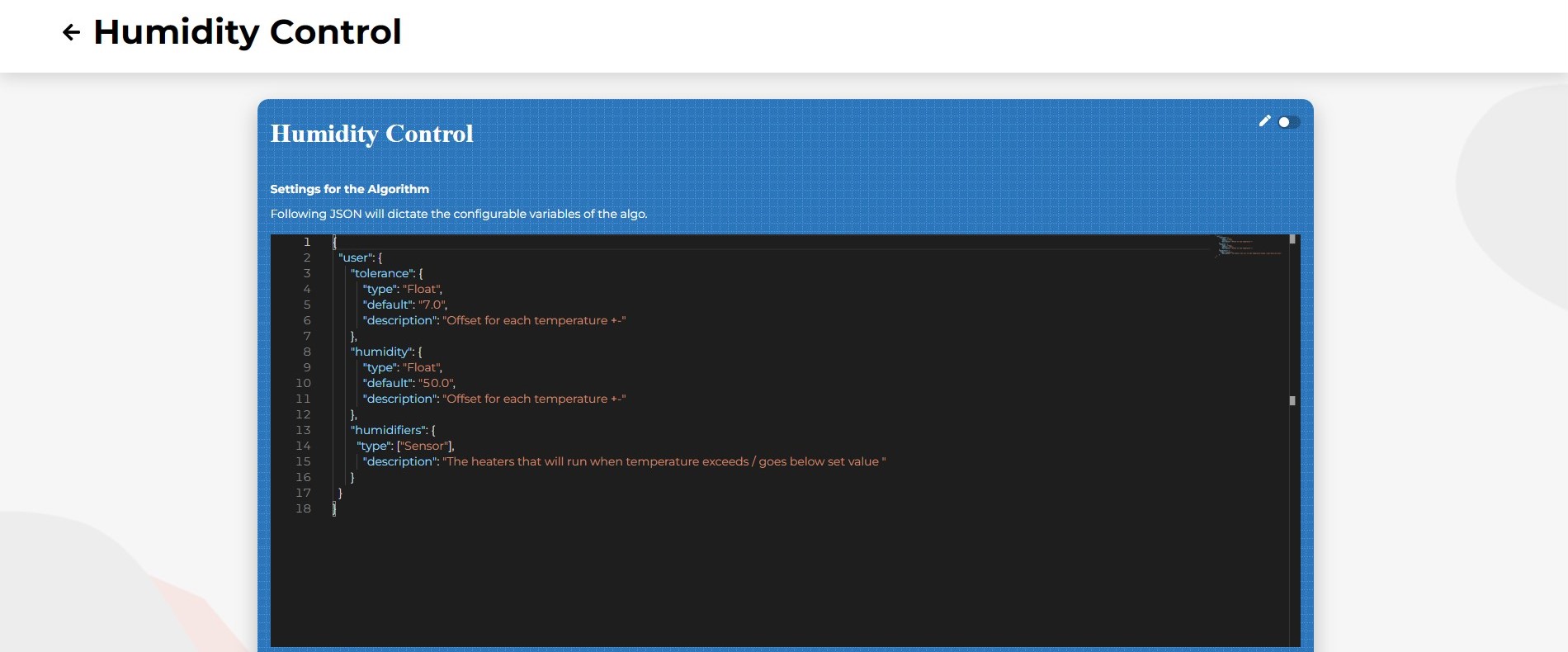
- Click "View client" on your client > "Manage client" > "Algorithms" > And click on the algorithm of your choosing
Then you'll see the options you can set for the algorithm.
Getting an algorithm of a space
To get an algorithm of a space call GET /spaces/{SPACE.id}/algorithms/key/{ALGORITHM.keyName} or for tenants GET /tenants/{TENANT.id}/spaces/{SPACE.id}/algorithms/key/{ALGORITHM.keyName}.
Adding an algorithm to a space
To add an algorithm to a space call POST /spaces/{SPACE.id}/algorithms/key/{ALGORITHM.keyName} or for tenants POST /tenants/{TENANT.id}/spaces/{SPACE.id}/algorithms/key/{ALGORITHM.keyName}.
You can find the request body type here, and some example request bodies here.